Most companies start with a well-known CRM and grow into it. Then, at some point, the CRM starts pushing back — extra fields you cannot add cleanly, workflows that almost fit, reports that need to be exported and pieced together. That is usually the moment a custom CRM starts to pay for itself.
Signs you have outgrown a generic CRM
You do not need a custom CRM to have a good sales process. But a few signals suggest the tool is now costing you time instead of saving it:
- Reps spend more than 30 minutes a day on data entry
- Reports live in spreadsheets, not in the CRM
- Your process has steps the CRM cannot represent cleanly
- Automations are duct-taped together across four different tools
- New hires take weeks to learn where information lives
What a focused custom CRM looks like
A custom CRM does not have to do everything. In fact, the best ones do less than the tool they replace, but they do it in a way that maps exactly to how the team actually works.
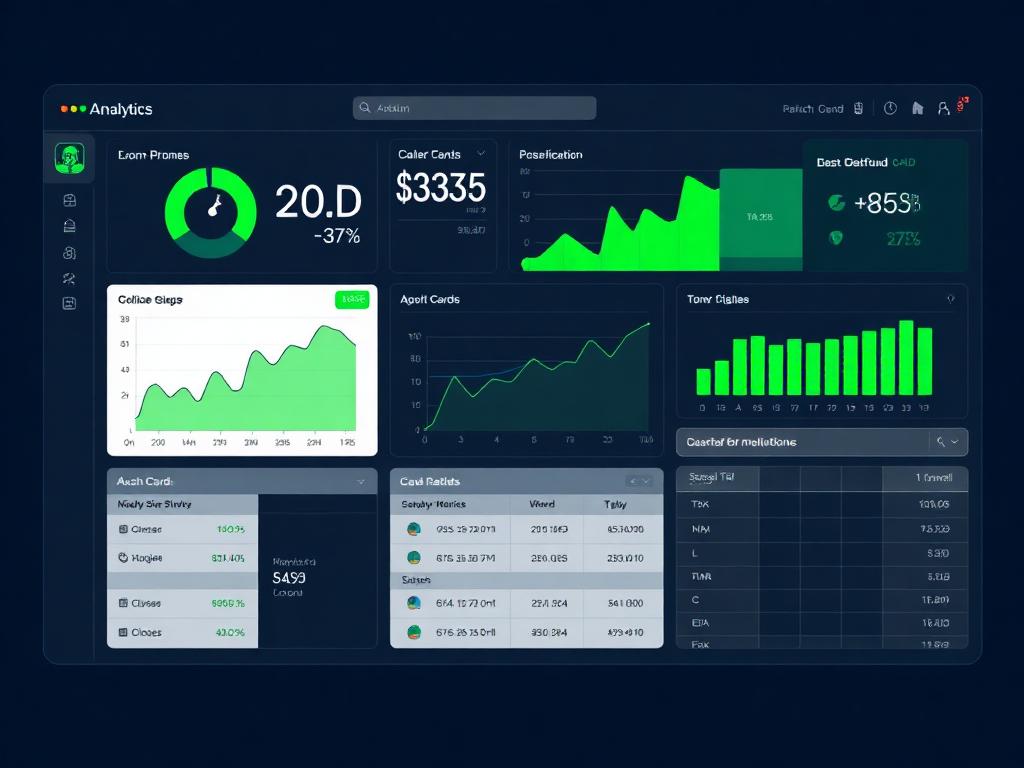
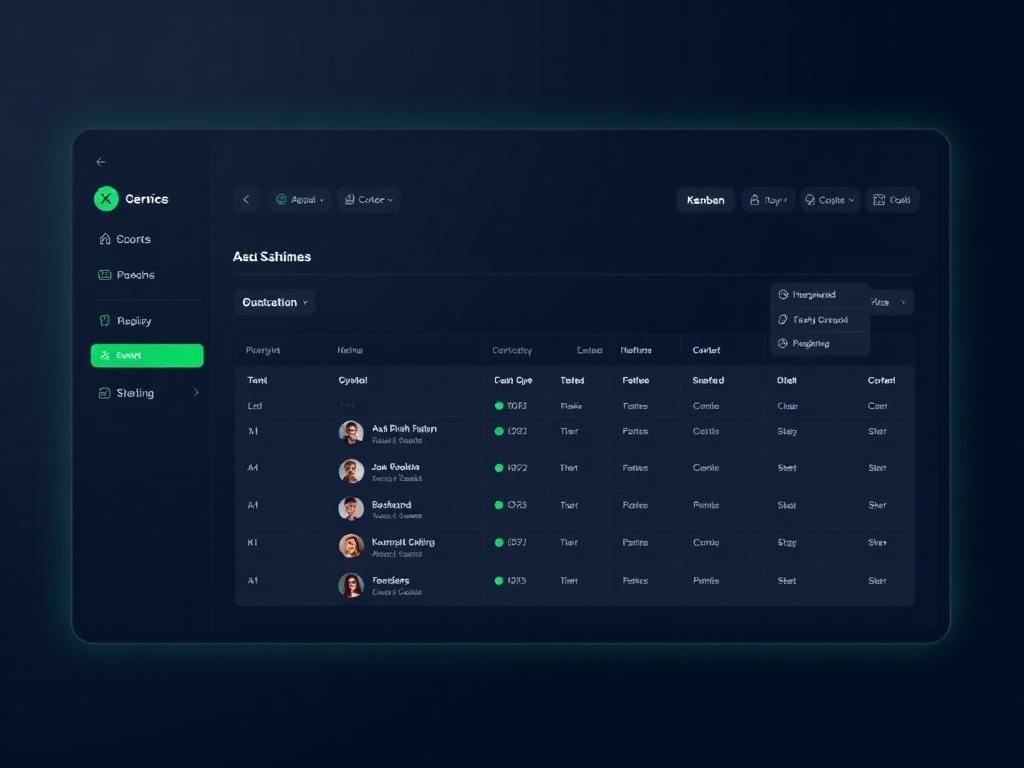
Core modules usually include a lead inbox, a pipeline board, a customer profile with a full activity timeline, quote and proposal generation, and a reporting dashboard that answers the questions leadership asks every Monday.
Integrations are the real work
Building the CRM is the easy part. Connecting it to email, calendar, phone, invoicing, and marketing tools is where most of the timeline goes. Plan for it, and pick providers with well-documented APIs.
Final thoughts
A custom CRM is not about replacing a well-known tool — it is about removing friction from the exact way your team already sells. Start with the pipeline and the reports, then grow outward.